
 Join Discord
How to Fix ARC Raiders Aimbot Not Working
If your Inferno Arc aimbot stops working, look for the first movement. A crosshair that never pulls at all needs a different check from one that tracks and lets go. If the cheat menu is also missing, use the menu guide first so you can separate the missing panel from the aiming symptom.
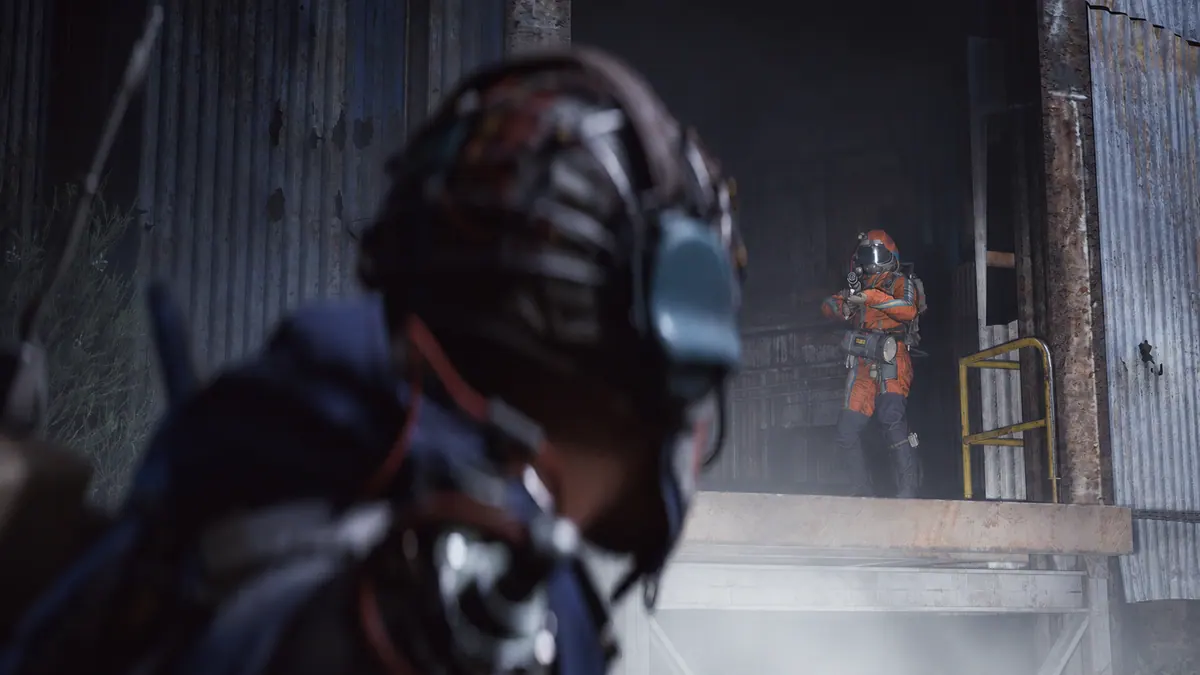
The ARC Raiders aimbot never moves the crosshair
Move the game camera before you try the Inferno Arc aimbot. If the camera responds, keep one Raider in view and use the aim input listed in your completed order, if one is provided. Look for any initial pull. A brief movement gives you a point to compare. If there is no movement at all, check the control name from your order before testing another one.
ARC Raiders aim lets go while the Raider is still visible
Follow the first movement of the Inferno Arc aimbot until the crosshair stops. If the Raider stays visible, see whether aim starts tracking again before they leave the frame. If it stops only when they move behind a wall, wait until they come back into view and compare that moment. Keep a clip of the case where the Raider stays in sight if you can reproduce it.
ARC Raiders aim lands on a different part of the Raider
The Inferno Arc aimbot lists head, chest, stomach and closest bone as target choices. If the panel shows one of those labels, read it before changing anything. Give the label and where the crosshair actually moved. For example, a panel that shows Chest gives support a different starting point from one that shows Head when the crosshair moves to the body.
ARC Raiders aim pulls towards another Raider
If two Raiders are already visible, watch which way the Inferno Arc aimbot moves first. If the crosshair moves towards a different Raider, keep both in the frame so the direction is clear. Compare it with a moment where only one Raider is visible. If nothing moves in that second test, report both results as separate symptoms.
ARC Raiders player ESP stays visible when aim stops
Watch a player box or distance label that you already have on screen when the Inferno Arc aimbot stops. Follow the same Raider for a moment. If their drawing still moves with them, record which drawing stayed active. If the drawing cuts out and returns while the player stays visible, use the flickering ESP guide to check that symptom separately.
The ARC Raiders cheat menu opens but aim fails in the raid
If the panel opens outside the raid, leave your settings alone when you go in. Try the Inferno Arc aimbot once the game takes ordinary movement and a Raider is visible. If the panel still opens but the crosshair stays still, keep the first encounter in your notes. A visible panel only tells you that the menu worked at that point.
ARC Raiders aim stops after switching windows
After you switch back, move the camera before trying the Inferno Arc aimbot. If ordinary movement only returns after you click in the game, wait until it responds to try the aimbot input. If aim still fails, make the same window switch once without changing monitors or resolution. Compare it with an attempt where you stayed in the game window.
ARC Raiders crosshair moves but you don’t get a shot
Check whether the Inferno Arc aimbot already moved the crosshair before the shot you expected. If it moved and only the shot is missing, describe the shot separately. Try the normal game firing input in a situation where it usually works. If that fails too, include what the game showed when you tried it.
ARC Raiders aim stops after a game update
If your Inferno Arc aimbot last worked before an update, check the exact product on the SurchCheats status page. Read any notice that applies to it. Use the after-update guide if the loader or menu fails before you get to aim. If the rest still works, compare the last raid with a visible first pull and the next raid where that movement was missing.
Which ARC Raiders cheat are you using?
Open the ARC Raiders cheats category or choose the exact purchase from your SurchCheats order.
- Inferno Arc External is the aimbot and ESP software.
- Arc Raider NFA is an account purchase.
Where to get help with ARC Raiders cheats
When you contact SurchCheats support, include the product name from your SurchCheats order. Give the first movement you saw and the name of the aimbot input you tried. If you attach a clip, keep the Raider and crosshair in frame and crop out keys.