
 Join Discord
How to Fix Apex Legends Aimbot Not Working
If your Apex aimbot stops responding, move the mouse and check the crosshair before changing any settings. If normal input still works, see whether aim never starts or drops out once it begins.
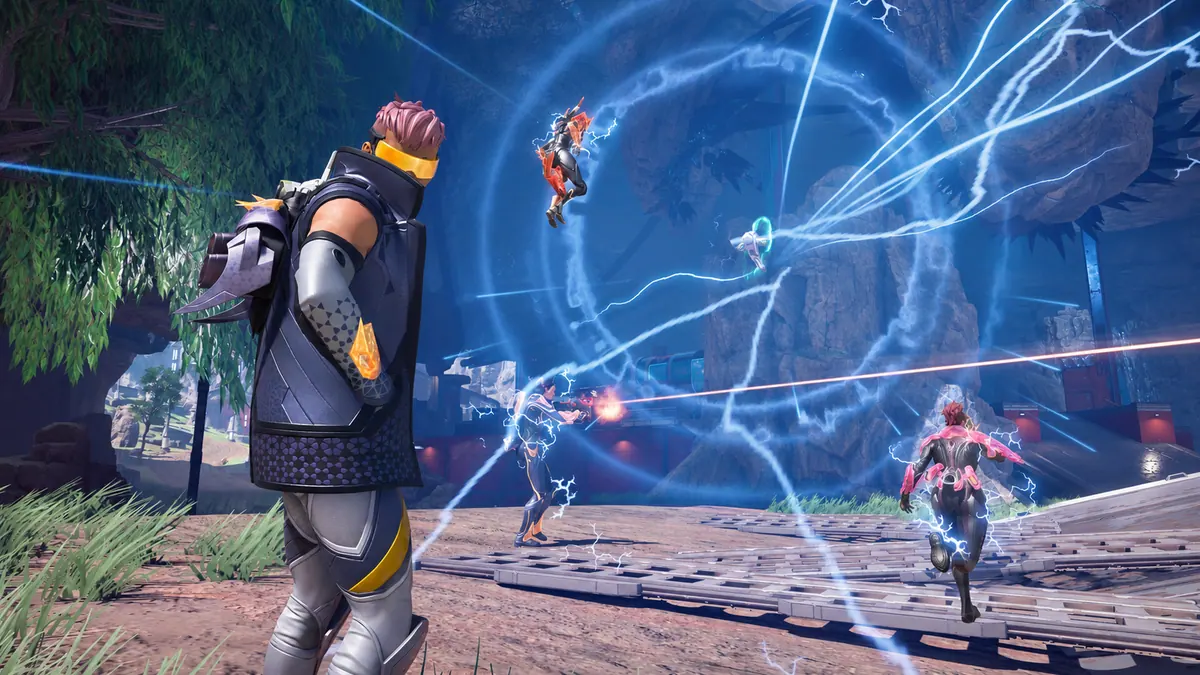
Check whether you can move the Apex crosshair yourself
Turn the camera towards a door or wall. If the mouse will not move the crosshair, wait until the game takes input again before testing the Apex aimbot. Once you can move the crosshair freely, keep the same settings for the next check.
Apex aim never starts
Watch the crosshair while a player stays in view. Try the Apex aimbot the way your order instructions describe. Record whether the crosshair stays still from the first attempt or moves and stops. The second result gives you a specific moment to compare.
Apex aim drops when a player goes behind cover
A doorway is a useful reference when the Apex aimbot loses tracking. Note where the player was when the crosshair stopped. Then compare a fight where the player stays visible. Keep both observations if you see a different result.
Aim cuts out after you switch away from Apex
If the Apex aimbot worked before you switched windows, return to Apex and see whether the same input works after you click back into the game. Keep the mouse movement and the aim response separate in your notes.
The Apex cheat menu disappears as aim stops
Try to open the cheat menu after the Apex aimbot stops. If you also lose the menu, start with the menu guide. Note whether the menu last worked in the lobby or in the match.
Apex player ESP still draws after aim drops
Watch one player marker through the point where the Apex aimbot stops. If the marker stays visible, keep that detail with your aim report. Start with the ESP guide when the drawing itself goes missing.
The Apex scene stutters with the crosshair
If the Apex aimbot seems to stall while the scenery jumps, turn past a fixed object and compare both movements. Check for FPS drops if the whole picture hitches. Record a separate aim example if the game is moving smoothly.
Apex aim changes after you load a saved configuration
The public Apex Legends cheat description includes saved cloud configurations. If you opened a different configuration before the Apex aimbot stopped responding, compare it with the last working one. Record which setup was active before you change any settings.
Apex aim drops only when you enter a new match
Write down the first point in the next match where the Apex aimbot stops. If it starts after you leave the lobby but stops later, name the action you took just before the failure. Keep that sequence for a repeat test.
Apex aim stops after a game update
Check the status of your exact product when the Apex aimbot stops working after an update. Follow the current notice for the product. Include the last time aim worked and the date you first saw it fail.
Apex aim changes when two players cross
Watch which player the crosshair follows as two people move across each other. If it switches while both are visible, keep both in the clip. If you lose the first player behind the other, note when they come back into view. Compare that with a moment where only one opponent is visible so you can describe what changed in the crowded view.
Apex crosshair moves but the shot never fires
Look at the crosshair before you try to fire. If it follows the player and the shot is the only thing missing, describe the firing issue separately. Record whether it happens on the first shot or after you switch weapons. Keep the game’s response to normal mouse input with that result so support can see which action still works.
Apex values revert after you reopen the menu
If a displayed value changes after you reopen the menu, use the cheat settings guide. Keep the visible configuration name if it is available. Compare the value on the first screen and after reopening. That gives you a concrete setting to report before you test crosshair movement again.
Show where the Apex crosshair stops
Start the clip before you try the Apex aimbot. Keep the player in view as the crosshair stays still or stops tracking. Send the clip with the order reference, leaving licence keys out of the recording.
Which Apex Legends cheat are you using?
Open the Apex Legends cheats category or match the product to your SurchCheats order.
Where to get help with Apex Legends cheats
If you can reproduce the problem, contact SurchCheats support with the product name, order reference and whether the aim key did nothing or tracking stopped after it began.