
 Join Discord
How to Fix Apex Legends ESP Boxes That Broke
If your product already draws Apex ESP boxes, watch one player run and stop. See whether the box catches up, stays beside the player or vanishes. Start with the matching check. If the game itself stutters, keep the whole scene in view so you can tell when the movement changed.
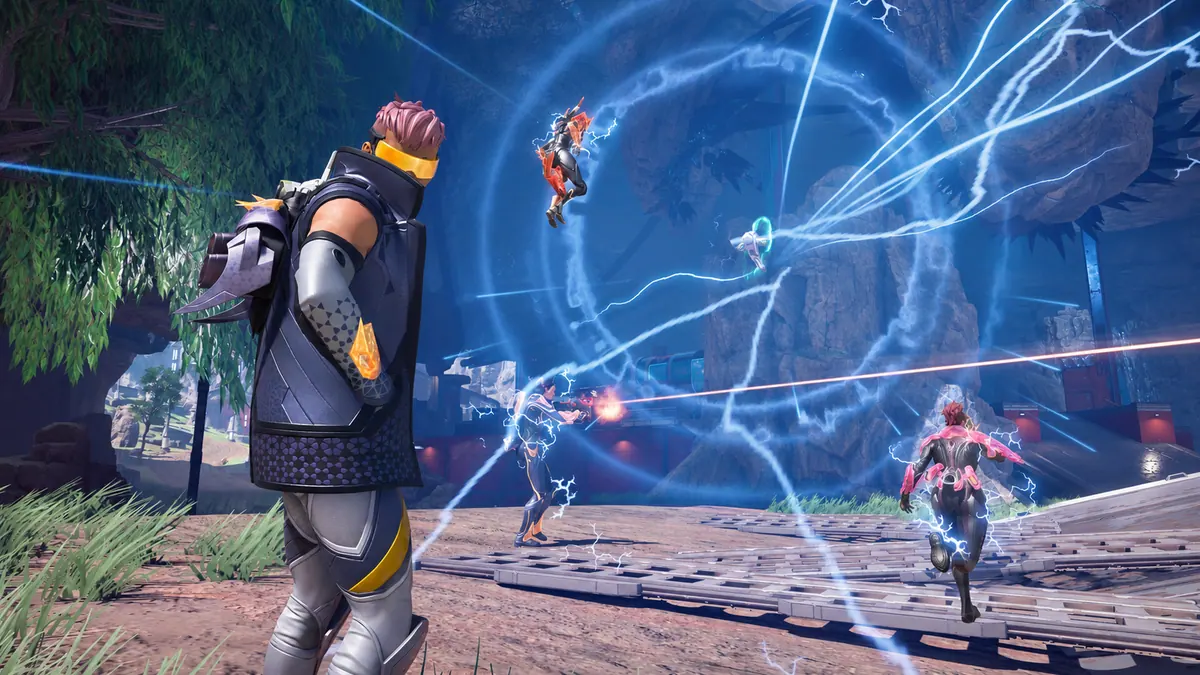
Laggy Apex ESP boxes trail a player past a fixed point
Use a doorframe or wall edge as a fixed point. Watch the player run past it and see when the Apex ESP boxes cross the same line. If the player clears it first, hold the camera still once they stop. Look for the box to move along the same path or jump back over them. Keep the fixed point in the clip so both movements are visible.
Apex ESP boxes broke and stay beside a stationary player
Hold the camera still after the player stops. Look at the gap between the player and the Apex ESP boxes. If another player is already visible at a similar distance, compare both positions. A screenshot can show a gap that stays when the player and camera are still. Include the whole player and box, so the distance between them is visible.
Apex ESP boxes broke near the edge of the screen
Start with a player near the centre of the view. Turn slowly until the player reaches the edge and check the Apex ESP boxes at each point. If a side of the drawing is missing at the border, turn back and see where it returns. If the box stays beside the player in the centre too, include the centre view when you ask for help.
An Apex box stays at standing height during a crouch
Hold the camera still as a player crouches and then stands. Watch the top edge of the Apex ESP boxes against the player’s head. If the box follows them but keeps its standing height through the crouch, include that movement in the clip. Keep a sideways gap for the separate position check.
Apex radar stays visible while the player boxes lag
Apex Legends lists player ESP and radar. If you already see radar when Apex ESP boxes lag, check whether the radar still changes while the main drawing falls behind. If a dot remains still, check whether another dot moves. Only identify a dot as the same player if you can match its movement to what you see in the scene.
Apex scenery stutters as the player boxes fall behind
Watch the scenery and the player during the same camera turn. If the wall jumps as the Apex ESP boxes lag, use the FPS guide to compare the same movement with the cheat closed. If the background pans normally while the box arrives late, leave a doorway or other fixed point in the clip. That gives you a reference outside the moving player.
Apex ESP boxes shifted after a display change
If the Apex ESP boxes shifted when you moved the game to a different monitor, compare them on the screen where they last lined up. Keep resolution and window mode the same if both screens support them. If you changed resolution on the same monitor, compare the old and new setting without moving the game.
Apex ESP boxes go laggy when you return to the game window
Make a short turn before switching away from Apex, then repeat it when you return. Use the same monitor and resolution. If Apex ESP boxes lag on the second turn, see whether they settle when the camera stops. If the symptom began before the window switch, use the last earlier moment you can reproduce as the starting point.
Apex player boxes disappear instead of staying visible
Use the ESP flicker guide if the Apex ESP boxes vanish and return while the player remains in view. If a box stays visible while it moves late, keep that clip with the delay check. If you lose sight of the player at the same time, wait for a clear view before deciding whether the drawing itself disappeared.
An Apex box stays behind after two players cross
Keep both players in view from before they cross until they separate. Check which outline still follows its player and whether another stays at the crossing. If you can see both players in the open, leave the clip running through the first few seconds after they split. That shows an outline left behind while the other one still moves.
Which Apex Legends cheat are you using?
Open the Apex Legends cheats category or match the product to your SurchCheats order.
Where to get help with Apex Legends cheats
If you can reproduce the problem, contact SurchCheats support with the product name, order reference and whether the boxes lagged behind moving players or stayed in the wrong place while they stood still.