
 Join Discord
How to Fix Apex Legends Crashing After Loading Cheats
Start an Apex cheat crash check by identifying which window closes first. If only the loader exits, see whether you can still move in Apex. If the game closes, open it without the loader and try to reach the same screen. Keep the first visible error from each attempt.
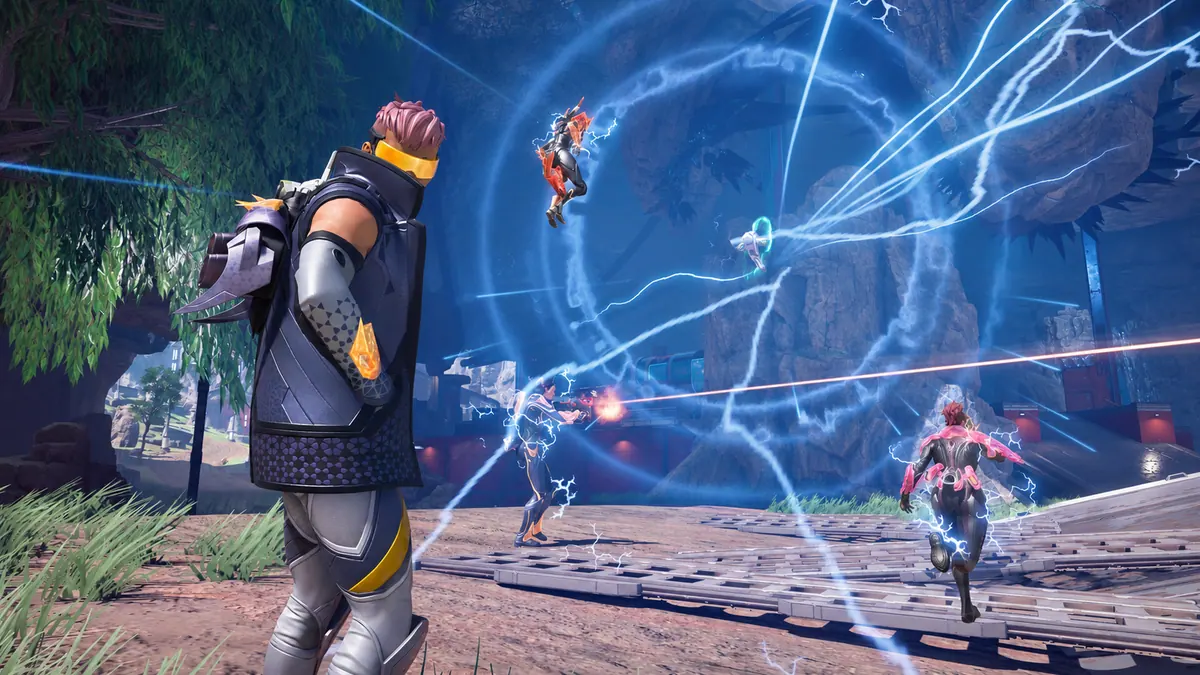
Apex closes before the lobby when the cheat loader is open
Open Apex with the loader closed and check whether you can reach the same screen. If the launcher shows a message before the game window appears, start there. If the game opens and closes, compare its last screen with the first Apex cheat crash. Keep the loader closed for both the launch and the lobby check.
Apex shows Apex_crash.txt or r5apex.exe
If the error after an Apex cheat crash names Apex_crash.txt and the game also closes on its own, check EA’s error guide. EA lists file repair through Library, Apex Legends, Manage, then Repair in the EA app. When that repair finishes, open Apex with the loader closed again. Note whether the same screen and error return.
If the Apex cheat crash names r5apex.exe, keep the text that appears beside it. The executable name alone does not identify the fault. Check whether the same message appears when Apex runs on its own. If it gives a different code or filename, keep both messages with the launch that produced each one.
Apex closes or returns to the lobby after joining a match
If the lobby still works, note the first screen that fails during the Apex cheat crash. Record whether the game closed during loading, as you entered the match or after you could move. Compare a game-only attempt in the same mode if you can. An exit at a different point belongs in your notes as a separate result.
If Apex sends you back to its lobby and the game still responds, keep the connection message from that screen. EA describes code:net as a server response error. A return to the lobby with that code calls for a different check from a game window that disappears. If Apex only drops to the desktop, see whether its window is still open before starting it again.
Apex stays open after the cheat loader disappears
If the game remains open after an Apex cheat crash, turn the camera or open the game’s own menu. A responsive game gives you a separate loader problem to check. Use the loader guide if only that window went away. If Apex closes after the loader, keep the timing and the first message from each window.
If the first sign of your Apex cheat crash is a frozen screen, see whether the camera still moves or the game menu opens. Note whether the game later recovers, closes on its own or needs you to close it. If motion comes back and the problem is a hitch, use the FPS guide to compare the same movement with the loader closed.
Apex closes after a display change or a game update
If the Apex cheat crash follows a window switch, note where you were when you left the game. Record any display mode or resolution change separately. If you can repeat the symptom, change one thing at a time and try the same scene without the loader. Give the first visible error and say whether you were in the lobby or a match.
If an Apex cheat crash begins after an update, keep the last working session and the first exit. Find the exact product on your order on the SurchCheats status page and read any relevant notice before reopening the loader. Note a Windows update separately if it happened between the two sessions. Include the game-only result when you report it.
What to send support when Apex closes again
For a repeatable Apex cheat crash, put the two runs next to each other. Include the last working screen, the first window that closed and any message it displayed. Send those details with the product and order reference. If the game worked without the loader, include how far the game-only run went.
Which Apex Legends cheat are you using?
Open the Apex Legends cheats category or match the product to your SurchCheats order.
Where to get help with Apex Legends cheats
If you can reproduce the problem, contact SurchCheats support with the product name, order reference and where the game closed and whether it also closes when opened on its own.