
 Join Discord
How to Fix Wardogs Aimbot Not Working
Move the mouse while one player stays in view. For a Wardogs aimbot issue where the crosshair follows you but aim never reacts, start with the first response check. If aim starts and then drops the player, keep the moment where the crosshair stops and where the player was.
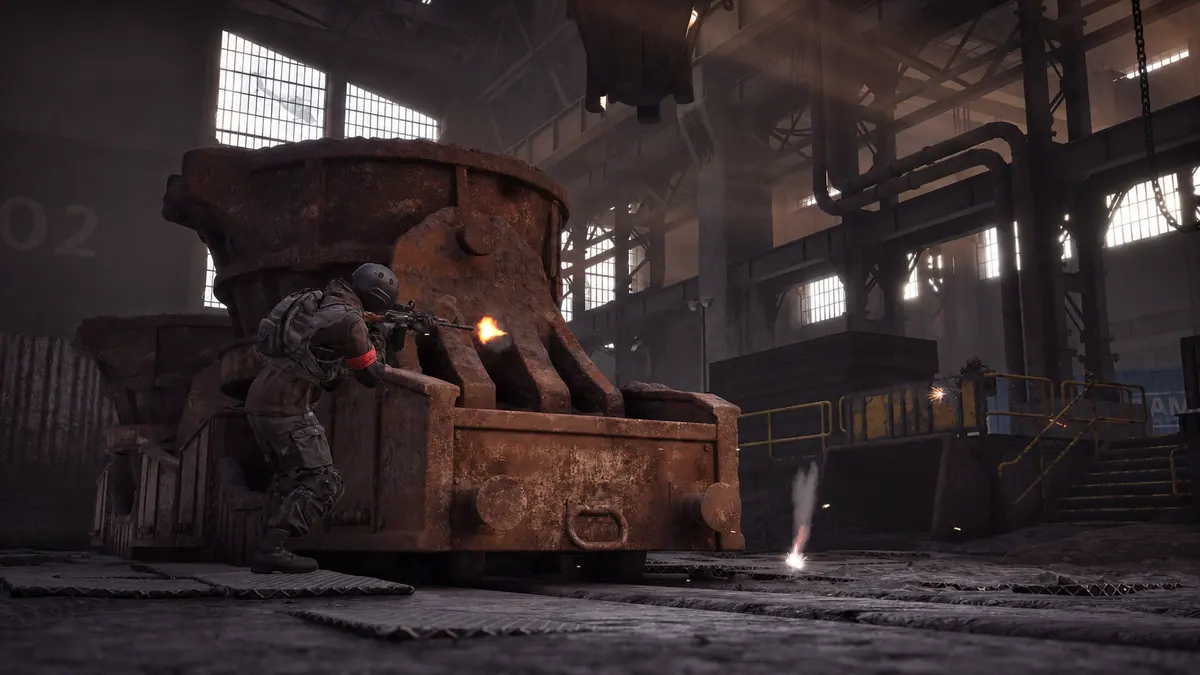
Wardogs aimbot never moves the crosshair
For a Wardogs aimbot issue with no crosshair movement, first check whether you can turn the camera. If you just changed windows, click back into the game first. Use an aimbot input only if the setup instructions in your completed order list one. Watch a single visible player from the first input. Note whether the crosshair moves at all or briefly reacts and then stops.
Wardogs aimbot stops tracking while the player stays visible
When a Wardogs aimbot issue starts mid-track, watch where the crosshair is as it stops. Leave the player in view for a moment and see whether aim resumes. If it only reacts when you start the input again, keep both moments in one clip. Compare it with an encounter where the player leaves the screen so you can separate a lost view from a stopped response.
Wardogs aimbot loses a player when they move behind cover
Pick a doorway or fence post to mark when the player goes out of view. If the Wardogs aimbot issue starts before the player reaches cover, show that earlier moment. If it stops once they pass behind it, watch what happens when they return. The player’s position at the time aim stops gives you a clearer report than a clip that begins after they disappear.
Wardogs aimbot moves to a different body point
Wardogs External lists head, chest and pelvis as target choices. If the Wardogs aimbot issue is an unexpected aim point, note the target choice you can see. Watch where the crosshair moves as the player stands or crouches. Keep that result separate from a crosshair that never moves. Compare the same choice before changing any aim settings.
Wardogs player ESP still draws when aimbot stops
If player ESP is already visible, watch a box or skeleton at the moment the Wardogs aimbot issue starts. A drawing that stays on the player gives you a separate observation from the loss of aim. Use the flickering ESP guide if the drawing disappears and returns. Use the menu guide if the cheat panel is also missing.
Wardogs aim stops after loading another configuration
Wardogs External lists saved configurations. If the Wardogs aimbot issue first appears after loading one, note which configuration was active in the last working encounter. Compare what the game and crosshair did before and after the change. If a displayed value reverts when you reopen the menu, use the settings guide and include the configuration name if you can see it.
Wardogs aim drops after you switch windows
If the Wardogs aimbot issue follows a window switch, repeat that switch with the monitor and resolution unchanged. Click into the game and check whether the camera moves before you try aim. Note whether normal input works right away. If aim still stops after the game takes input, record the first encounter where it fails.
Wardogs crosshair follows the player but a shot does not fire
For a Wardogs aimbot issue that only shows up when you try to fire, watch whether the crosshair moves before the shot. If aim follows the player and firing is the only issue, report the firing input separately. Note whether you tried the first shot of the encounter or had just switched weapons. Keep the crosshair and the relevant part of the scene visible in the same clip.
What support needs when Wardogs aimbot fails again
When reporting a Wardogs aimbot issue, give the first point where aim stops responding. If the crosshair moves before it stalls, start your clip before that movement. Include the player and any drawing you compared. Give the last working match and your order reference if available. Keep the key out of the clip. Mention any window or configuration change just before the failure.
Wardogs aim changes when a second player crosses the same opening
If two players cross paths, watch which person the crosshair follows. Keep both visible if you can. See whether aim stops completely or follows the other player. Compare the result with a single player in the same area. Those two clips can show whether the problem appears only when the view is crowded.
Which Wardogs cheat are you using?
Open the Wardogs cheats category or match the product to your SurchCheats order.
Where to get help with Wardogs cheats
Send SurchCheats support your order reference and the last change before aim stopped. If it started after you loaded a preset, include its name and whether switching back changes the symptom.