
 Join Discord
How to Fix Wardogs ESP That Flickers or Disappears
Start with a player who stays in view. When you see Wardogs ESP flickering, check whether the player box disappears on its own or the skeleton goes with it. If every drawing vanishes at the same time as the game hitches, compare the game’s movement first.
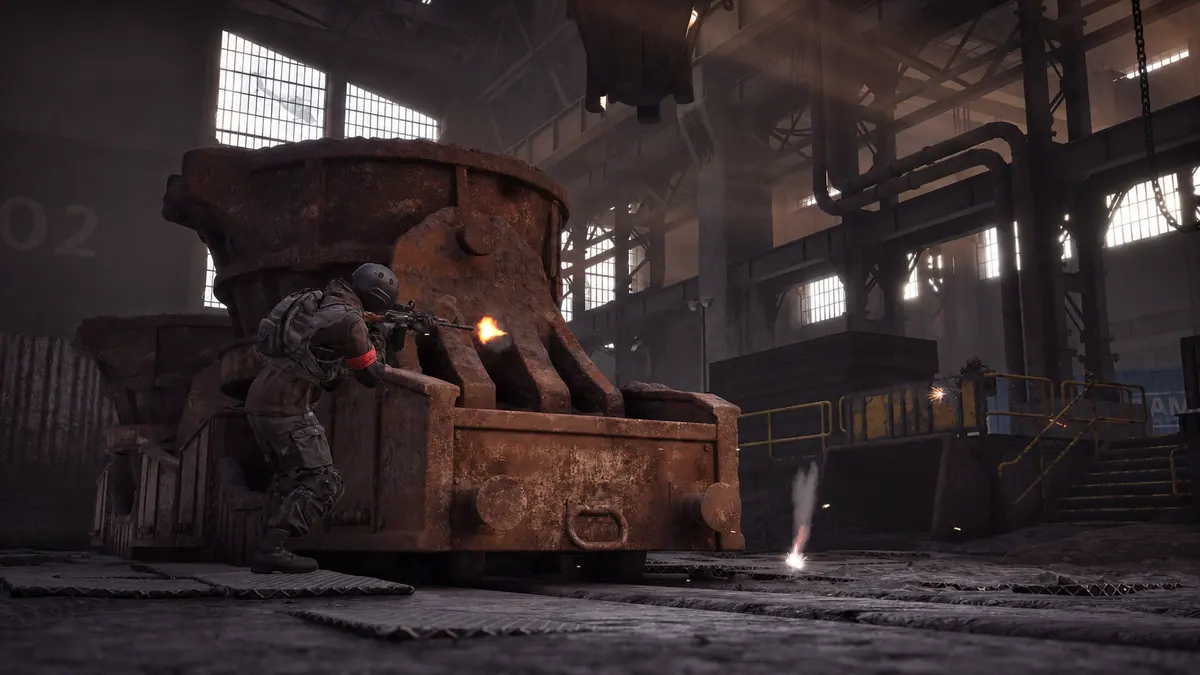
Wardogs ESP flickers on one drawing
Start with a player who stays in the middle of your view for a few seconds. If you see Wardogs ESP flickering on their box, look at the skeleton over the same player. A skeleton that keeps moving while the box disappears narrows the problem to the box in that moment. Check whether the box returns before the player moves away.
Wardogs External lists a wounded-state marker. If one is already visible, see whether it stays with the player while Wardogs ESP flickering affects their box. Compare a second player who stays in view. If both boxes remain visible but trail the players, follow the laggy boxes guide for that symptom.
Wardogs ESP disappears while radar stays open
Wardogs External lists player boxes, skeletons and a separate radar. If radar is open during Wardogs ESP flickering, compare the same moment in both views. A moving radar marker while the main player box drops out gives you a different example from both views going blank. Look for a marker you can already see before the interruption.
When Wardogs ESP flickering takes every visible drawing with it, check whether the cheat menu still opens after the interruption. A responsive menu gives you another part of the overlay to compare. If the menu goes missing too, record the first thing you saw disappear. That order is more useful than a screenshot taken after everything has gone blank.
Wardogs ESP flickers when the game hitches
Watch a fixed corner of the scene during a short camera turn. If the scenery jumps at the same time as you see Wardogs ESP flickering, use the FPS guide to compare that movement with the cheat closed. If the scenery moves smoothly through the blackout, keep the comparison on the drawings that disappeared.
A player can also leave the frame as you turn. Follow one already visible player back toward the middle. If the whole box blinks out while the player is clearly in view, you have a better example of Wardogs ESP flickering than a clip that ends with the player outside the frame.
If the outline loses only the side that meets the screen border, turn back until the player is in the middle. Check whether that side returns before the player has moved. A full box going blank in the middle needs a different check from one edge becoming visible when you turn back.
Wardogs ESP goes missing after a window switch
When Wardogs ESP flickering starts after you return to the game, wait until you can move the camera again. Check the same drawing that was visible before you switched. See whether it comes back on the first turn or stays missing while you play. Keep the display mode and other settings the same during that comparison.
If the change happened between the lobby and the match, start at the first point you can move. A marker that returns as you take control gives you a different example from Wardogs ESP flickering through the first playable encounter. If the menu responds there, you can also record whether opening it changes what draws when you return to the game.
Capture Wardogs ESP flicker before it clears
For Wardogs ESP flickering that clears in less than a second, start a short recording while the drawing still works. Keep the player and the relevant overlay in the same view through the dropout and the return. Show the box and skeleton together for a one-drawing problem, or radar and the main view together if several players vanish at once.
Review the clip once at normal speed and then pause on the dropout. A box missing in one frame can be difficult to spot by itself. The turn into the dropout and the first frame after it returns show more than a still of the empty view. Keep your key, account details and order screen out of the recording.
Which Wardogs cheat are you using?
Open the Wardogs cheats category or match the product to your SurchCheats order.
Where to get help with Wardogs cheats
If you can reproduce the problem, contact SurchCheats support with the product name, order reference and which ESP drawing disappeared and whether it came back without reopening the game.