
 Join Discord
How to Fix a Meccha Chameleon Cheat Menu That Won’t Appear
If the Meccha cheat menu won’t appear, check whether the game still responds and whether Inferno reached the step in your SurchCheats order. If the menu worked earlier, start with the round or window change where it disappeared.
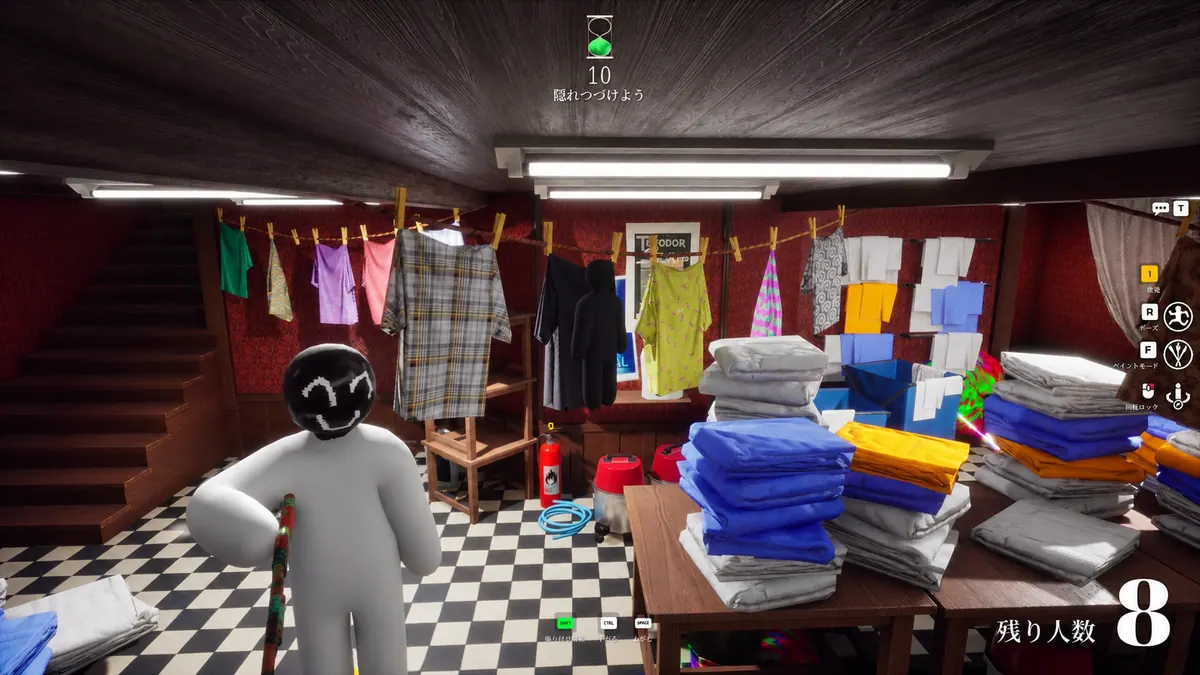
The Meccha cheat menu has never appeared
Open the completed order for Inferno and check for available setup instructions. If the loader closes or returns an error, use the loader guide. If the game still responds, try the Meccha cheat menu control only if your order names one. When it does not, ask support for the instructions for your purchase.
An error appears before the Meccha panel opens
Read the first window title when an error appears. A message in the game gives you a different starting point from a Windows message or a loader window that closes. If the loader does close, use the loader guide. Tell support whether the game itself stayed open and which window showed the error.
The game stops taking input with the menu hidden
Try moving the camera before you press the menu control again. If the game won’t respond to normal input, start with the freeze. Once you can turn, check whether the Meccha cheat menu opens.
The Meccha cheat panel appears but the pointer only moves the game
A visible panel that takes no input gives you a different starting point. Move the pointer over the panel and watch the scene behind it. If the scene moves while the pointer does not reach the controls, describe that behaviour. A screenshot shows the panel, while a short clip also shows the input.
The Meccha cheat menu closes when you click a control
If the Meccha cheat menu closes as you select a visible option, note whether that option changes before the panel disappears. Reopen it once using the documented control. A panel that closes after every click is a different result from one that closes only for the same option. Keep the pointer and panel in the recording so the click is visible.
Hunter or survivor ESP is still visible when the Meccha menu disappears
Inferno Meccha lists Hunter vs Survivor ESP Customization. If you already see an ESP drawing while the Meccha cheat menu is hidden, show the drawing in the same clip as the attempt to open the panel. Say which role you can identify from the scene.
A Meccha player name stays visible when the cheat panel closes
Player Name and Skeleton appear under Visuals on the Inferno Meccha description. If a name is already on screen when the panel disappears, keep the player and their name in view. Include the game window in the same clip so support can see whether the drawing stayed visible while the panel was gone.
The Meccha menu disappears after the round changes
If the Meccha cheat menu goes missing in a new round, note the last round where you saw it and the first point where the panel was absent. Include your role if it changed between those rounds. Keep that timeline with the game screen, especially if the panel opened again later in the same round.
The Meccha cheat menu comes back between rounds
If the panel opens between rounds, note the first point it stops opening again. Separate the time you changed role from the time the game started accepting input. If the issue comes back while the same role is still active, include that example. It gives support a timeline they can compare with the earlier round.
The menu flashes as you press the control
Try the Meccha cheat menu control once and wait before you click. See whether it flashes and closes on its own or disappears only after the next input. Record from before the press if you can.
The Meccha menu goes missing after switching windows
Click back into the game and turn the camera before you try the Meccha cheat menu again. If it works once you return, see whether the same window switch makes it vanish. Leave the resolution alone during that check.
Only part of the menu shows on the screen
Look at the whole game window if the Meccha cheat menu is cut off. If it worked on a different monitor, return the game to that screen and use the same resolution. Keep a full-window screenshot so the edge that cuts it off is visible.
The Meccha cheat panel has a border but no controls
Keep the game window in frame if the panel shows its border with an empty middle. If the whole border is visible, describe the blank panel separately from a panel cropped by the screen. Note whether the game kept moving in the background and whether the panel stayed visible when you stopped pressing the control.
Which Meccha Chameleon cheat are you using?
Open the Meccha Chameleon cheats category or match the product to your SurchCheats order.
Where to get help with Meccha Chameleon cheats
Send SurchCheats support the order reference and when the Meccha cheat menu went missing. If you recorded it, start before you press the control and show whether the game still responds.