
 Join Discord
How to Fix Meccha Chameleon Cheats That Aren’t Working
Meccha Chameleon cheats not working? Check whether the game and Inferno both stay open. If the menu still works, use your hunter or survivor role to narrow down when aim or ESP first stopped responding.
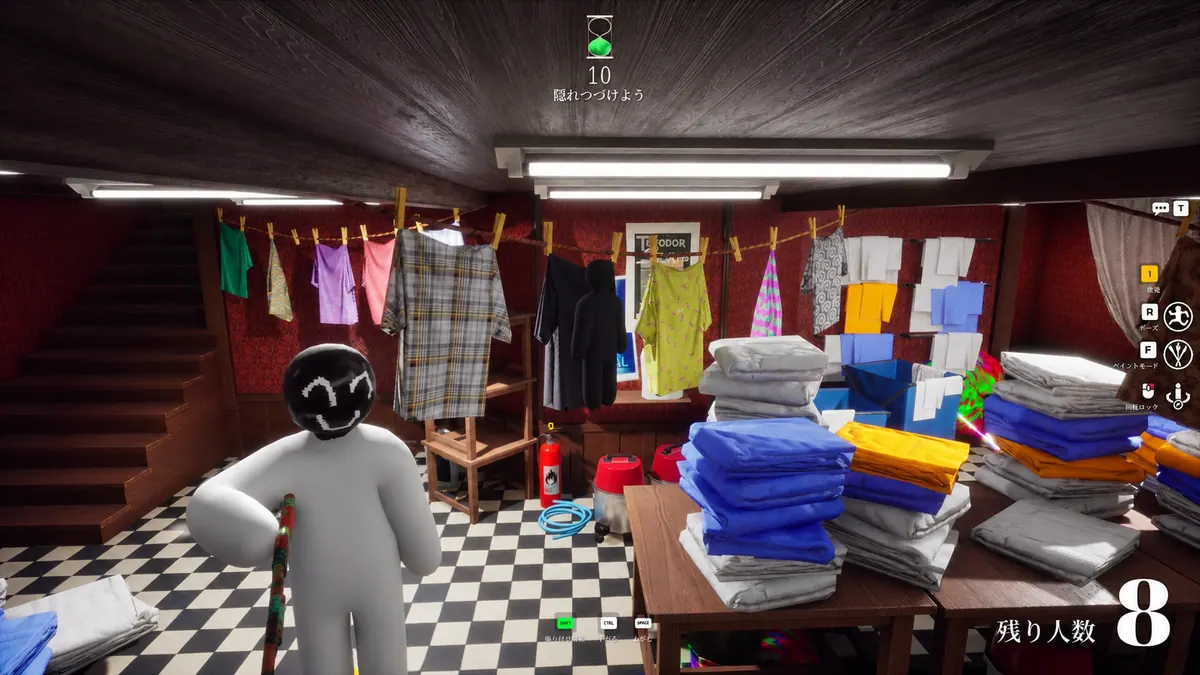
Meccha Chameleon opens but Inferno does not
For Meccha Chameleon cheats not working before the loader stays open, record the last screen each window showed. If the game reaches its menu while the loader closes, keep the last loader message and note when it happened. If both windows close, write down which disappeared first. Start with the crash guide if the game itself is the first window to fail, rather than treating every closed window as the same issue.
Inferno Meccha opens but aimbot or ESP fails in a match
When you find Meccha Chameleon cheats not working in a match, start with your hunter or survivor role. If the crosshair stops responding while player drawings stay visible, use the Meccha Chameleon aimbot guide. If drawings disappear and return, open the flickering ESP guide. Note whether the same thing happened when you changed roles. Keep the role with the example so a symptom from one part of the round is not mistaken for another.
The Meccha cheat download never finishes
Begin Meccha Chameleon cheats not working checks in the browser when the file has not arrived. Read the message beside the transfer in the downloads list and use the cheat download guide. A saved file that produces a Windows dialog has reached a different step from a stopped transfer. Keep the filename and the message from the step you actually reached, without replacing the order download with a file from another source.
The Meccha cheat loader opens but stays on loading
If you see Meccha Chameleon cheats not working at a visible loading screen, read the last progress label. Use the shared loading guide if the same window stays there. If the loader returns a key error instead, use the cheat key guide for that displayed result. Note whether the window still moves or closes normally. A progress screen that freezes and an activation result are different starting points even when both stop you from continuing.
The Meccha cheat menu is missing while the game opens
Check the game input when Meccha Chameleon cheats not working means the panel never appears. If you can still move around the game's own menu, use the Meccha menu guide for the missing cheat panel. If the game has stopped responding too, keep that wider input failure in your example. Say whether the panel ever appeared earlier in the session, and which screen you reached before it went missing.
Meccha ESP drawings go laggy without disappearing
During a Meccha Chameleon cheats not working check, name the drawing you can actually see. Inferno Meccha ESP includes skeletons, head circles, view direction, player names and distance, with separate hunter and survivor choices. Compare those drawings on the same player. Use the flickering ESP guide for drawings that vanish and return. If a rectangular outline is already visible, the laggy boxes guide compares its movement with the player and the fixed background.
Meccha cheats stop after a game update
If Meccha Chameleon cheats not working followed an update, read the exact product notice on the SurchCheats status page. Use the update guide to keep the last working session, game update and first failing attempt in order. Follow the current provider notice before trying again. If a Windows update happened too, note it separately. A nearby date helps describe the sequence but does not by itself prove which change caused the failure.
Meccha cheat values reset when the menu reopens
Start with one visible value when Meccha Chameleon cheats not working seems to involve a reset. Compare it before closing the cheat menu and after reopening it in the same session. Use the settings guide if the old value comes back at that point. If the value remains saved but aim or ESP still fails, keep that feature symptom separate. Include the configuration name only if the product actually displays one.
The Meccha game scene stutters when cheats are open
When checking Meccha Chameleon cheats not working during a hitch, watch the whole game scene as well as any player drawing. Use the FPS guide if the camera view stutters, and distinguish that from one drawing arriving late while the surroundings stay smooth. If the game closes instead of recovering, return to the crash guide. Keep the first visible symptom so you do not treat an exit, a freeze and a late drawing as one result.
Which Meccha Chameleon cheat are you using?
Open the Meccha Chameleon cheats category or match the product to your SurchCheats order.
Where to get help with Meccha Chameleon cheats
If you can reproduce the problem, contact SurchCheats support with the product name, order reference and which step failed first and what still opened.