
 Join Discord
Meccha Chameleon Cheat Troubleshooting
Begin Meccha Chameleon cheat troubleshooting with the first thing that went wrong, not the last. A download that never finishes, a loader that closes, a hidden menu and a game that closes as a match begins each need a different check. Find the symptom you saw first below and open its guide.
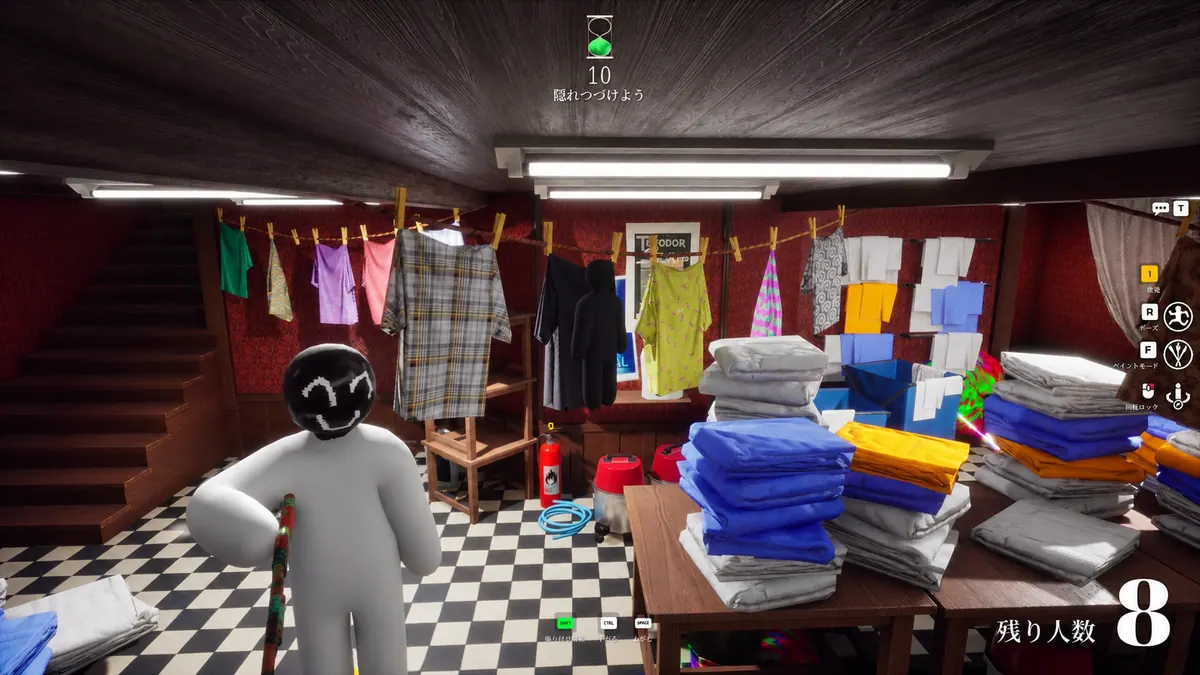
Meccha Chameleon cheats fail on the first run or stop after working
On a first run, read the instructions on your completed order first. If the cheat worked before, note the first difference between that session and the failed one, and which role you were playing. The Meccha Chameleon cheats not working guide checks whether the game and loader both stay open, then narrows aim and ESP problems down by hunter or survivor role.
The loader won’t open or the cheat menu is missing
If you never saw a loader window, check your browser’s downloads list first. A Windows warning, a missing-DLL dialog or a window that flashes and disappears is covered by the Meccha loader guide.
If the loader reached the step in your order instructions, try turning the camera in Meccha Chameleon. If the game responds but the panel never appears or closes when you click, use the Meccha cheat menu guide.
Meccha Chameleon aimbot isn’t responding
Turn the camera by hand, then try the aimbot input documented on your order while one hunter or survivor stays in view. Watch for a brief pull as well as a full track, since aim moving towards another player can look like no response. The Meccha Chameleon aimbot issue guide covers aim that never starts or lets go, plus the distance, FOV and smoothing values worth noting first.
Tell flickering Meccha Chameleon ESP apart from laggy boxes
Keep one player in view and watch which drawing changes. Hunter and survivor ESP choices are listed separately, so note your role and theirs. If a name, skeleton or distance label vanishes and returns, open the Meccha Chameleon ESP flicker guide.
If a box stays visible but trails the player past a doorway, use the Meccha Chameleon ESP boxes guide. If the wall jumps too, the whole scene is stuttering, which the shared FPS guide covers.
Meccha Chameleon cheats stopped after a game update
Check the status page for the exact product on your order and follow any current notice before trying again. If there’s no notice, open the game by itself to see where it stops, then use the Meccha Chameleon cheat update guide to put the last working match, the game update and the first failure in order.
Meccha Chameleon closes after the cheat loads
Work out which window closed first. If the game closed, open it with the loader closed and try to reach the same screen. Note whether it closed before you could move or as you entered a hunter or survivor match. The Meccha Chameleon cheat crash guide sets out those comparisons and separates a frozen window from a closed one.
Not sure which product you bought? Browse the Meccha Chameleon cheats category to identify your purchase.
Problems that apply to every game
Some problems aren’t specific to Meccha Chameleon. Key errors, failed downloads, HWID mismatches, missing DLLs, FPS drops and settings that reset all have shared guides on the troubleshooting page. Start with the FPS drops guide if the whole scene stutters, or the Cheat settings guide if a value reverts when you reopen the menu.
What to send Surch Cheats support about a Meccha Chameleon problem
If you’re still stuck, contact Surch Cheats support with your order reference, the step that failed first and what still opened. Include your role, the feature that stopped and the exact text of any error. Keep your key and account details out of screenshots.
Find a guide for the Meccha Chameleon cheat symptom you see
- How to Fix Meccha Chameleon Cheats That Aren’t Working
Fix Meccha Chameleon cheats by checking what fails first. Find the right guide for the Inferno loader, a missing cheat menu, aimbot or ESP.
- How to Fix Meccha Chameleon Aimbot Not Working
Troubleshoot a Meccha Chameleon aimbot issue. Compare the aimbot input, crosshair movement and whether hunter or survivor ESP still draws.
- How to Fix Meccha Chameleon ESP That Flickers or Disappears
Check why Meccha Chameleon ESP flickers or disappears. Compare hunter and survivor markers, game stutter and what happens when the round changes.
- How to Fix a Meccha Chameleon Cheat Menu That Won’t Appear
If the Meccha cheat menu won’t appear, check whether the game still responds and whether Inferno reached the step in your SurchCheats order.
- How to Fix a Meccha Chameleon Cheat Loader That Won’t Open
Check what happens when the Inferno Meccha cheat loader won’t open, closes straight away or shows a Windows error.
- How to Fix Meccha Chameleon Crashing After Loading Cheats
Check where a Meccha Chameleon cheat crash starts. Compare the game on its own, which window closes first and whether the scene recovers.
- How to Fix Meccha Chameleon Cheats Not Working After an Update
Check why Meccha Chameleon cheats stopped working after a game update. Read Inferno status and identify whether the loader, menu, aim or ESP failed first.
- How to Fix Meccha Chameleon ESP Boxes That Broke
Check why Meccha Chameleon ESP boxes broke or go laggy. Compare when a box falls behind, shifts to one side or disappears from view.