
 Join Discord
Rob Run Role Filters for Cops, Criminals and Teammates
You chose your side on the way into Looty Bay, and from then on every player you meet is either with you or against you. Cops chase criminals. Criminals rob banks and raid each other’s hideouts, while clans can go from gang war to truce within a single wipe. Rob Run role filters are how Rob Run Inferno, the cheat we sell at Surch Cheats, keeps that straight for the aimbot and the ESP, so your crosshair and your overlay treat players according to the side they’re on.
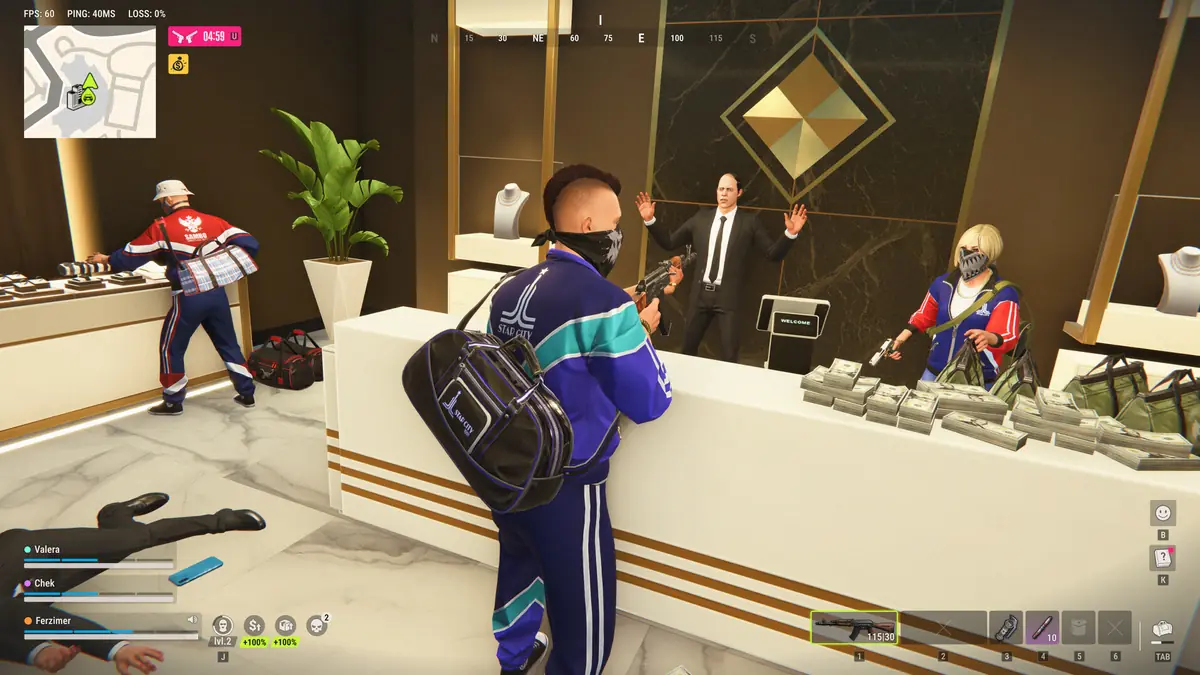
Why Rob Run Cheats Need Role Filters
Every cop and every criminal in Rob Run is a real player, according to the Steam store page, and you pick which you’ll be as you enter Looty Bay. Players also form clans with roles, territories and rivalries, so one street can hold officers on patrol, your own crew and two clans who’d happily shoot each other.
That’s the job Rob Run role filters do. An aimbot that goes for whoever is closest to your crosshair can drag you onto a teammate’s back during a push, or onto a cop when you were trying to finish a raider. ESP that draws everyone in one colour leaves you reading name tags in the middle of a gunfight. Splitting players up by role fixes both.
Target Role Filters and Ignore Role on the Rob Run Aimbot
Two of the Rob Run role filters sit on the aimbot itself. Target role filters choose which roles normal aim is allowed to pick from, and Ignore role takes a role out of the picture entirely. As a cop you’d point the aimbot at criminals and keep it off fellow officers. Running a robbery as a criminal, you might want it interested only in the police coming through the door.
The police side changes as a wipe goes on. Kefir’s launch changes on 4 November left patrol cops with pistols only on a fresh server, with better gear unlocking as the server ages, so the officers you meet on day one and day six aren’t equally dangerous. You can leave the filters alone all week or tighten them once the police are better armed, and that call is yours.
Ignore Team Keeps the Rob Run Aimbot Off Your Clan
Ignore team stops the aimbot choosing anyone on your own team. It earns its keep in clan raids, when several of you squeeze through one hideout entrance and your crosshair spends half the push resting on a teammate’s shoulder. Without it, a wide radius can grab the friendly in front of you the moment the defenders appear.
Truces need more thought. Nothing in the filter list mentions truces, so a clan you’ve agreed one with is still whatever role its players are. When you’re sharing a street with allies of convenience, don’t bring normal aim in until you know who you’re fighting, and don’t expect a filter to know who you’ve shaken hands with.
Rob Run ESP Role Colours and Individual Role Options
The rest of the role options live in the Player ESP group and change what you see rather than where you aim. Custom role colours give each role its own colour on the overlay, so a cop and a criminal read differently at a glance, even through a wall. Ignore teammates takes your teammates off the ESP, which clears a lot of clutter when your crew is packed into the same room.
The individual role options let each role be set up on its own terms, so cops and criminals don’t have to share one ESP config. How far you take that is up to you. A criminal running a heist might want officers to stand out loudly while other criminals stay muted, and a cop on patrol might want the reverse.
Rob Run Role Filters on Radar, Wallhacks and Closets
Filters only sort the players the game actually sends you. Kefir says its server limits each client to local data within a short perimeter, and that hiding inside closets and some containers conceals a character from radar and wallhacks completely. A cop waiting in a closet during a robbery won’t be drawn in any colour, because there’s nothing there for the ESP to draw.
The radar and the out-of-FOV arrows carry their own role filters, separate from the aimbot and ESP ones. If a player turns up on one and not the other, check that each set of filters agrees before assuming something has gone wrong, and if it still looks off, Surch Cheats support can take a look with you.
Rob Run Role Filters FAQ
Will Ignore team stop the aimbot locking onto my teammates?
Yes, that’s its job. It takes your teammates out of the aimbot’s choice of targets. It doesn’t change where your own shots go when normal aim isn’t engaged, so what you hit by hand is still down to you.
Are custom role colours the same as chams colours?
No. Custom role colours belong to player ESP and colour the overlay by role. Chams in Rob Run Inferno use their own set of materials, such as the glow and see-through options, chosen in the chams group.
Rob Run Role Filters and Easy Anti-Cheat Bans
However tidy your Rob Run role filters are, the game uses Easy Anti-Cheat and Kefir says cheating ends in a permanent ban. By 9 November 2026 the developer had reported more than 4,000 cheat-related bans since Early Access began. Filters change who the cheat looks at, not how your account is treated.
Role filters come with normal aim and player ESP in Rob Run Inferno, the cheat behind our Rob Run cheats category at Surch Cheats. For the rest of normal aim, read our Rob Run aimbot guide, and the Rob Run FOV circle guide shows which of the players you’ve filtered in are close enough to your crosshair to be picked.