
 Join Discord
Rust Cheat Troubleshooting
Start Rust cheat troubleshooting at the first step that failed. A loader that never opens, a menu that stays closed in-game and a crash while joining a server need different checks. Use the matching guide below. For order, key or Windows errors shared across games, see the shared troubleshooting guides.
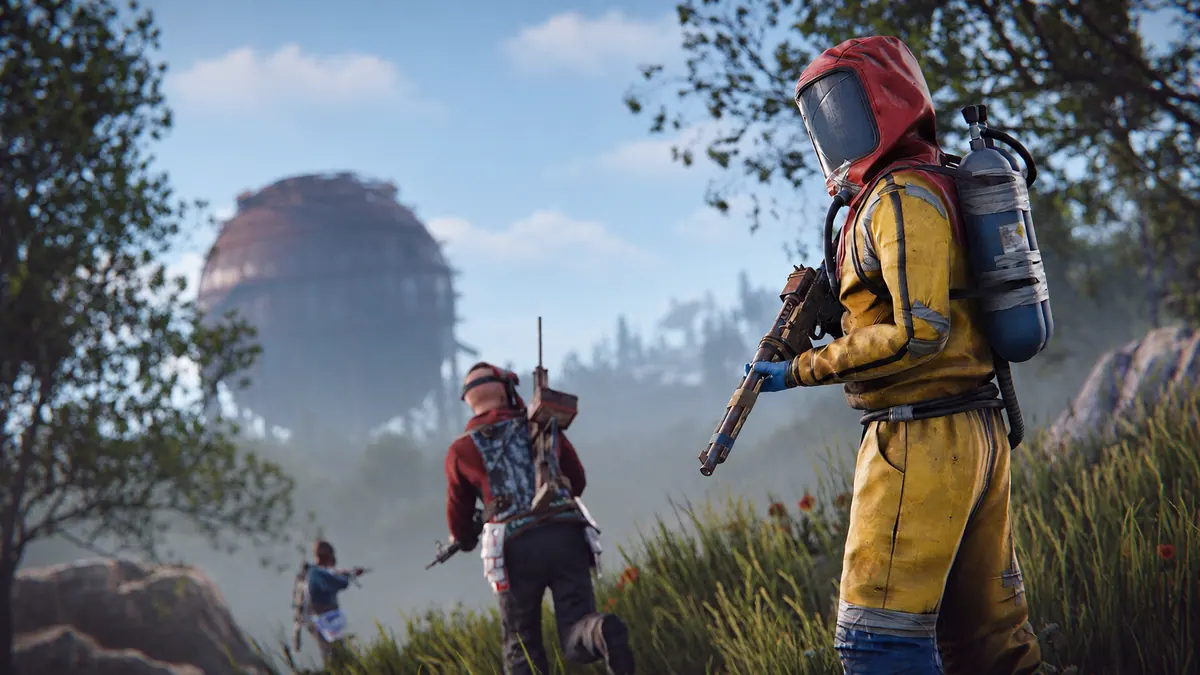
Rust cheats fail on the first run or stop after working
Open your order instructions before you start Rust cheat troubleshooting on a first run. If you’ve used the cheat before, note the first difference you noticed between the working session and the failed one. The Rust cheats not working guide walks through the loader, game and in-game checks in order.
Rust cheat loader won’t open or the cheat menu is missing
Never saw a loader window? Start Rust cheat troubleshooting in your browser downloads. If the file finished downloading but Windows shows an error when you open it, go to the Rust loader failure guide.
Once Rust and the loader are both open, try Rust’s own menu. If it responds but the cheat menu stays closed, continue Rust cheat troubleshooting with the Rust cheat menu guide.
Rust aimbot won’t respond but the cheat menu opens
For aimbot, Rust cheat troubleshooting starts with the crosshair. With the cheat menu still responding, watch one player stay in view. If aim never starts or stops tracking partway through, use the Rust aimbot problems guide.
Tell flickering Rust ESP apart from laggy ESP boxes
Turn the camera while an ESP box, ore marker or collectible marker is visible. For Rust cheat troubleshooting, follow the symptom you actually see. Use the Rust ESP flickering guide if the marker blinks out, the Rust ESP boxes guide if a box trails a player, or the FPS drops guide if the whole scene stutters.
Rust cheats stopped working after an update
After an update, the first stop for Rust cheat troubleshooting is SurchCheats product status for the exact product on your order. Follow any updating or testing notice before you try again. If there is no notice for your product, use the Rust cheat update guide to compare the first failed session with the last one that worked.
Rust crashes after the cheat loader runs
Start Rust cheat troubleshooting with the last screen you saw before Rust closed. Open the game with the loader closed and see if it reaches that screen. The Rust cheat crash guide covers failures before the main menu and while joining a server.
The Rust cheat only fails on one server
For Rust cheat troubleshooting on one server, compare the same point on a second server. If the first server stalls while loading the map, check map loading on the second. If the cheat menu only goes missing after you spawn, reach that point before comparing.
Browse the Rust cheats category to identify your purchase. Rust External and Rust Internal are separate software products. Rust NFA Accounts is a separate account purchase.
When the Rust loader error changes on the next attempt
Keep the original message if the next attempt gets further. A Windows error opening the file and a crash after Rust reaches its menu describe different points in the same sequence. If the loader showed a new message, use its exact wording when you choose the next guide.
What to send SurchCheats support about a Rust cheat error
Still stuck after Rust cheat troubleshooting? Tell SurchCheats support which product you opened, when it failed and what the first error said. Mention whether Rust was already open when the error appeared. If no error appeared, name the last screen that worked. Crop your key and account details out of any screenshot.
Find a guide for the Rust cheat symptom you see
- How to Fix Rust Cheats That Aren’t Working
Find the right Rust cheat fix when the loader won’t open, the cheat menu is missing, aimbot won’t respond or player ESP keeps disappearing.
- How to Fix Rust Aimbot Not Working
Check why Rust aimbot isn’t responding when the cheat menu opens, including activation, targeting conditions and changes after a Rust update.
- How to Fix Flickering Rust ESP
Work out why Rust ESP markers flicker or disappear, and tell a player ESP problem apart from a missing menu or a game-wide FPS drop.
- How to Fix a Rust Cheat Menu That Won’t Appear
Find out what to check when Rust opens but the cheat menu doesn’t appear, and how to tell a missing menu from a loader or ESP problem.
- How to Fix a Rust Cheat Loader That Won’t Open
Check what happens when your Rust cheat loader won’t start, closes immediately or shows a missing DLL error before Rust opens.
- How to Fix Rust Crashing After Loading Cheats
Narrow down why Rust crashes after loading cheats by checking whether it also crashes on its own and recording when the game closes.
- How to Fix Rust Cheats Not Working After an Update
Check what changed when Rust cheats stop working after a game update, including current product status and which feature first stopped responding.
- How to Fix Rust ESP Boxes That Broke or Feel Laggy
Check why Rust ESP boxes look wrong or lag behind players, and separate box placement issues from flickering markers or wider FPS drops.