
 Join Discord
How to Fix Rust ESP Boxes That Broke or Feel Laggy
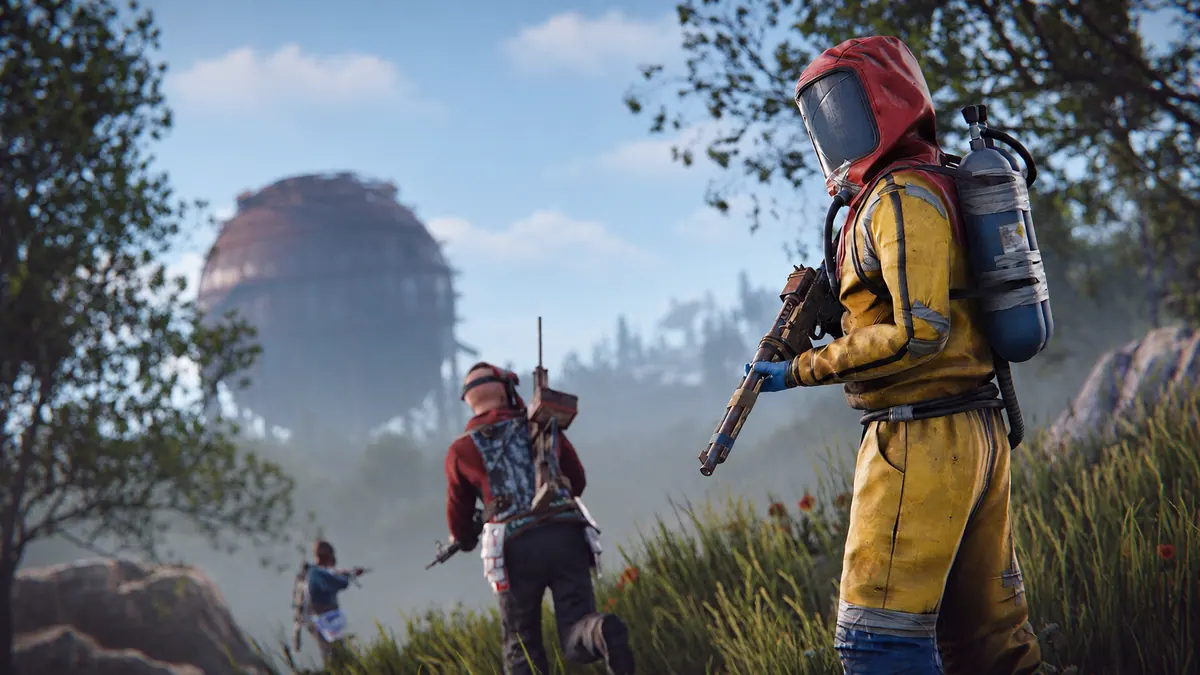
Check whether Rust player boxes catch up or stay offset
Follow one player across a gap and wait for them to stop. If laggy Rust ESP boxes catch up after the player stands still, continue with the movement check below. If a box stops beside the player, check its position at the centre and edge of the screen. For a drawing that disappears completely and returns, start with the flicker check.
Check the same player with names or skeleton ESP
Rust External lists player names and skeletons. If you already see either drawing, watch it next to the Rust ESP boxes through one turn. Check which drawing stays over the player and which falls behind. You can narrow this to the box when the name or skeleton still follows correctly. Keep the camera moving at the same pace for this check.
Check whether the Rust box lags or the scene stutters
Pick a gatepost or wall edge. Watch the player cross it and then watch the Rust ESP boxes cross it. If the player clears the post first, stop turning and see whether the drawing catches up. Use the flickering ESP guide if the drawing drops out as the player crosses, then comes back once they are past it.
Look at the scene during the same turn. If the wall and the player both jump, check for FPS drops. If the scene pans smoothly and only the Rust ESP boxes arrive late, use one short clip of that turn. The fixed edge makes the delay easier to see than a close-up of the box.
Rust player boxes stay to one side or clip off the screen
Keep the same player in view and turn until they are close to the edge of the screen. Now bring them back to the centre. Compare the space between the player and the Rust ESP boxes at both points. A gap that grows at the edge and closes at the centre is different from a gap that stays the same throughout the turn.
Bring the player back into view slowly and watch the edge of the box that was missing. If that edge returns over the player, the box was clipped by the screen. If the entire box stays to one side when both the player and box are fully visible, a screenshot at that point will show the offset.
Rust player boxes keep their standing height or jump in size
Watch the top and bottom of the Rust ESP boxes while one player crouches and stands. Leave the camera still and look for the top edge following their head. If the box stays at standing height while its centre still follows the player, keep that example separate from a box that moves to the wrong position.
Follow one standing player as they move away without turning the camera. Watch whether the top and bottom of the box change together or jump separately. If its centre stays on the player, focus on the height and width. Return to the movement check if the whole box trails behind instead.
Compare Rust player boxes with ore or collectible ESP
If you can already see an ore or collectible marker, keep it and one player in frame as you turn. See whether the marker stays over the same spot while the Rust ESP boxes drift off the player. If both move off their subjects together, turn back and see whether they line up again at the same point.
Rust ESP boxes go laggy after a window or display switch
If your Rust ESP boxes went out of place after moving the game to another monitor, start by returning to the display where they last lined up. Use the same resolution and display mode on both monitors if they support them. If the second display only offers another mode, include both modes in your report.
Keep the game on the same screen and switch to another window. When you return to Rust, leave the camera still and watch a moving player. If the Rust ESP boxes stay aligned until you turn, use the turn in your clip. If they already trail while the camera is still, capture the delay before you turn.
Which Rust cheat are you using?
Check the product you use in our Rust cheats category.
- Rust External
- Rust NFA Accounts is an account purchase.
- Rust Internal
What to send support when Rust ESP boxes break
Send SurchCheats support the product name, resolution and a clip or screenshot of the Rust ESP boxes. Start before the first shift or delay and show the player and drawing in the same frame. Keep licence keys and private order details out of the image.
Get help from SurchCheats