
 Join Discord
How to Fix Wardogs Crashing After Loading Cheats
When you hit a Wardogs cheat crash, identify which window closes first. If Wardogs still takes input after the loader exits, keep the loader message. If the game closes, open it on its own and try to reach the same screen. Save the first visible error from each attempt.
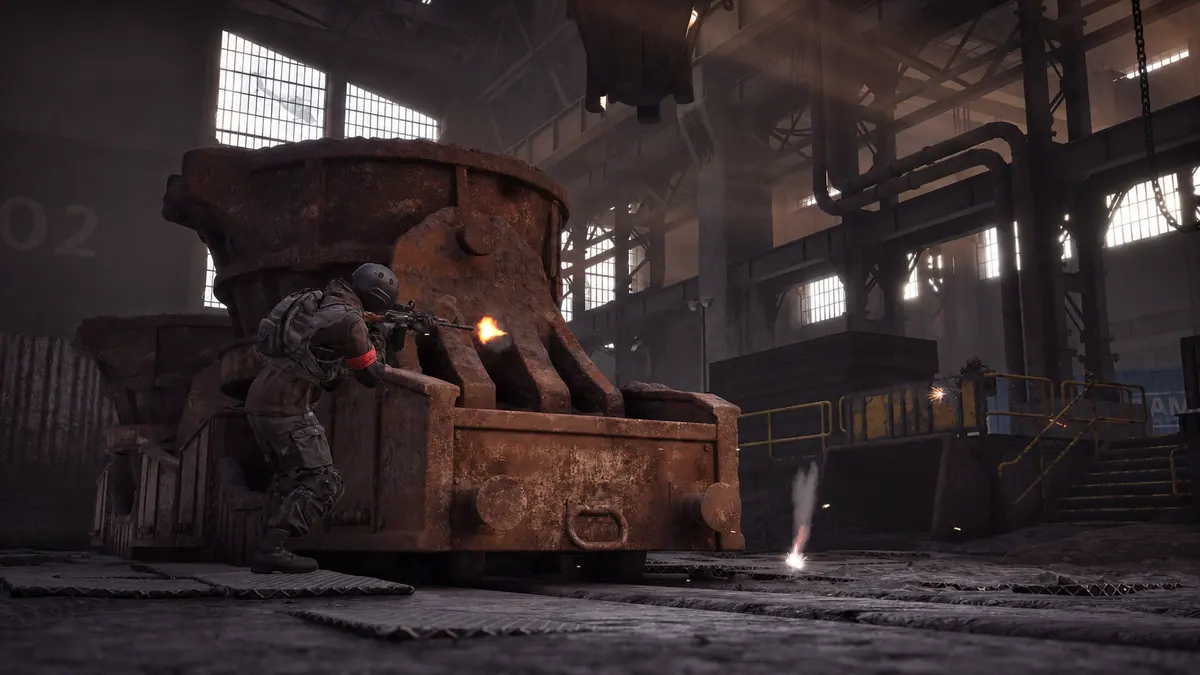
Wardogs closes before the lobby with the cheat loader open
Write down the last screen you saw before the Wardogs cheat crash. Open the game with External closed and see whether it reaches the lobby. If a launcher error appears before a game window opens, keep that message. If a game screen opens and then closes, note its name. Compare how far the two runs got before changing the setup.
Wardogs crashes as you enter a match
If the lobby remains usable, check which screen is visible when the Wardogs cheat crash happens. Note whether you could already move or were still looking at a loading screen. If you can repeat the check, use the same mode in a game-only attempt. A crash before spawn and an exit after you start moving need different last-screen descriptions.
Wardogs stays open after the cheat loader disappears
Try an ordinary movement after the Wardogs cheat crash. If the game responds and only the loader window disappeared, keep the last visible loader message and use the loader guide. If the game closes later, record its own error separately. Give the time between the two exits so support can see which window failed first.
Wardogs exits while External stays open
If External remains visible after the Wardogs cheat crash, look for the last line it showed before the game exited. Keep a later loader status separate from any game error that appeared first. If no dialog appeared, name the last screen you could use. The order of those events gives support a starting point for comparison.
Wardogs freezes while the game window stays visible
If the first sign of a Wardogs cheat crash is a frozen view, see whether you can still turn the camera or use the game menu. Note whether it recovers, closes by itself or needs you to close it. If motion returns and the scene only hitches, use the FPS guide to compare the same turn with the loader closed.
Wardogs closes after a window or display change
If the Wardogs cheat crash follows a window switch, note the screen you were on before you left. If you changed monitor, resolution or window mode as well, record that separately. Compare the same screen without the loader if you can. Change one display setting at a time so the two runs have a clear difference.
Wardogs crashes when returning from a match
If the Wardogs cheat crash happens after the match ends, note the last playable screen before the return. Keep any message that appears while the lobby is loading. If another match returns normally, compare where each run stopped. Include whether the menu or player drawings were already gone before the game window closed.
A Wardogs cheat crash starts after a game update
Put the last working match and the first Wardogs cheat crash in order. Check the SurchCheats status page for the exact product on your order and read any relevant notice. If Windows also updated between the two attempts, note it separately. Keep the result of opening Wardogs by itself, even if the first failure happened on the day of the game update.
What to send if Wardogs keeps closing after you load cheats
Send the product name and order reference with the first visible Wardogs cheat crash message. Say whether the game, the loader or both windows closed. If you tried the game alone, include how far it reached. Give the time of the exit if you have it. Keep keys and private order links out of attachments.
Wardogs drops to the desktop but its window is still available
If you can still select Wardogs, return to it and check whether the game responds. Keep that result separate from a run where the game window is gone and you have to launch again. If it returns to a frozen screen, include the window switch and the freeze in the order you saw them.
Which Wardogs cheat are you using?
Open the Wardogs cheats category or match the product to your SurchCheats order.
Where to get help with Wardogs cheats
If you can reproduce the problem, contact SurchCheats support with the product name, order reference and where the game closed and whether it also closes when opened on its own.