
 Join Discord
How to Fix Meccha Chameleon Aimbot Not Working
Start with a single encounter you can describe. If the camera turns normally but the crosshair never responds, follow the aim checks below. If the whole window stops taking input, deal with the freeze first. This is how to narrow down a Meccha Chameleon aimbot issue while keeping the settings you started with.
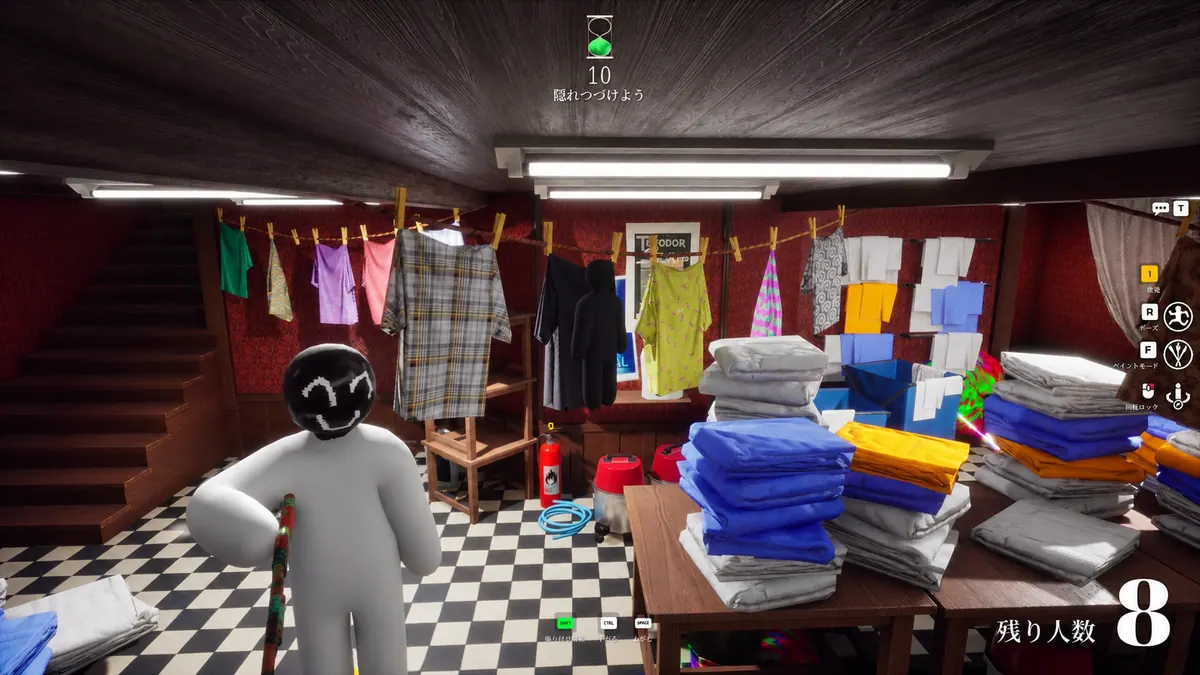
Meccha Chameleon aimbot won’t move the crosshair
Turn the camera a little by hand before trying the aimbot input documented on your order. Pick a visible hunter or survivor and watch the crosshair for a brief movement as well as a full track. If the camera will not turn on its own, record that separately. The crash guide covers the case where the entire game freezes or closes.
Meccha Chameleon aimbot moves once and lets go
The first movement matters. On a Meccha Chameleon aimbot issue where aim starts and then releases, note whether the other player was still visible at the release. If it happens at the same screen edge or doorway, save a clip that begins before they reach it. Keep any brief crosshair reaction in the clip.
Hunter or survivor ESP stays visible when Meccha aim stops
Keep the same character in view. A Meccha Chameleon aimbot issue can be easier to describe when their name or skeleton remains visible through it. If the drawing vanishes too, use the ESP guide and note which of the two disappears first. Inferno Meccha documents separate hunter and survivor ESP choices.
Meccha aimbot stops on a player farther away
Inferno Meccha lists a maximum aim distance setting. If a Meccha Chameleon aimbot issue appears on a farther player and you can still reproduce aim on a nearby one, record both attempts. Aim toward a similar part of the screen for each comparison so your notes do not mix a change in distance with a change in crosshair position.
Meccha aimbot fails when the crosshair starts beside a player
Inferno Meccha lists a FOV control. Take the initial view into account when you reproduce the Meccha Chameleon aimbot issue. A player in the centre of your screen and one at the edge give you different starting points. Include the crosshair at the beginning of the clip so support can see where you began.
Meccha aimbot picks a different player from the one you expected
A Meccha Chameleon aimbot issue can look like no response when the crosshair actually moves toward another player. The product description names closest to crosshair and closest player as target choices. If two people are in view, include both in your clip. Look for a short pull toward either of them before recording the result as no movement.
Meccha aimbot behaves differently when you tap the aim key
Check the documented activation choice for your product before repeating a Meccha Chameleon aimbot issue. The public aimbot guide describes hold and tap activation. Note which choice is already selected and how long you used the control. Leave the choice in place for a second attempt so the two clips start under the same conditions.
Meccha aimbot stops only in hunter or survivor encounters
Write down the role you were playing and the role of the visible character. If you reproduce the Meccha Chameleon aimbot issue in one role but have no second example, say exactly that. This gives support a real comparison to ask for without guessing how the other side behaves.
Meccha aim feels slow after you change a setting
Inferno Meccha lists smoothing. If the crosshair starts moving late, show whether it eventually reaches the player while they stay in view. Tell support which value you last changed if you remember it. When the first movement is visible in the clip, a report about late tracking is more precise than one about aim never starting.
Meccha aimbot stops after a game update
If the Meccha Chameleon aimbot issue began after an update, check the cheat update guide. Include the last match where aim worked and the first where it failed. Say whether the same aimbot input and the same settings were in use. If you changed them between those matches, give the order of the changes.
Which Meccha Chameleon cheat are you using?
Open the Meccha Chameleon cheats category or match the product to your SurchCheats order.
Record the first movement in your Meccha aimbot clip
For a repeatable Meccha Chameleon aimbot issue, capture the crosshair, the player and the moment you try the aimbot input. A clear clip from one encounter is enough. In the text beside it, add the role, the rough distance and whether ESP kept drawing. Leave your order key and account information out of the recording.
Contact SurchCheats support with those details.