
 Join Discord
How to Fix Meccha Chameleon Crashing After Loading Cheats
Which window actually closed? If the game disappears, try the same screen once with Inferno closed. If only the loader disappears, check whether the game still responds. Start there before changing anything. A Meccha Chameleon cheat crash report should identify the first window that stopped working and the last screen it reached.
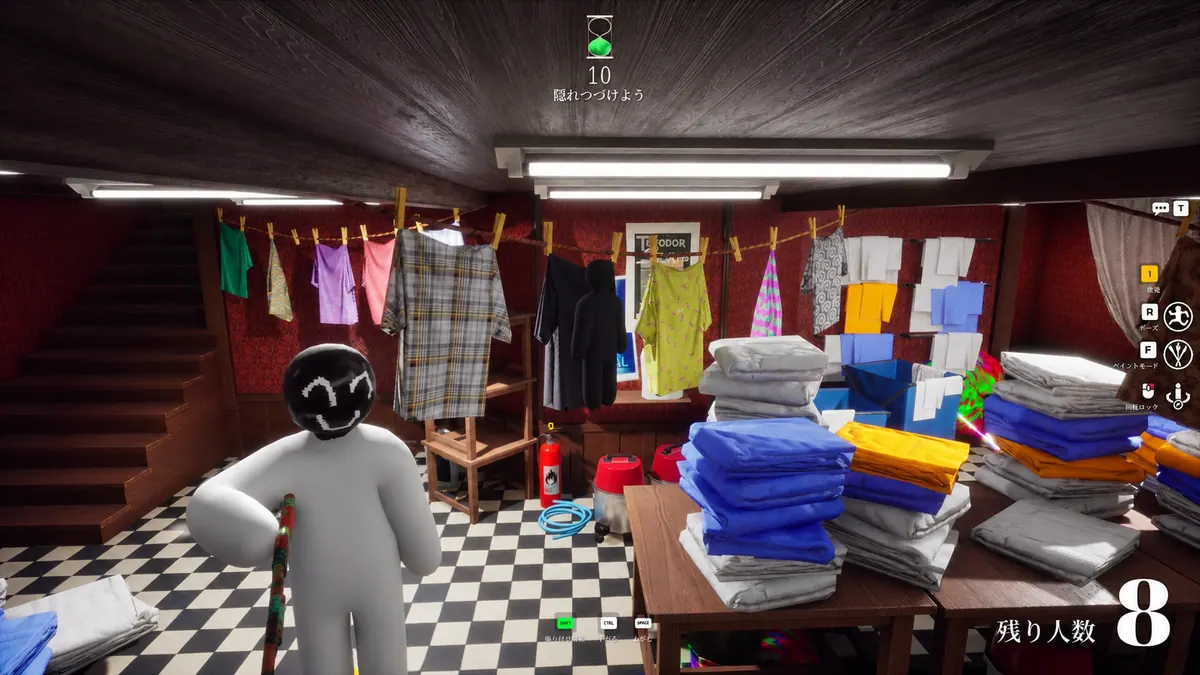
Meccha Chameleon closes before the lobby with Inferno open
Keep the last screen in view if you can, then open the game with Inferno closed. Compare the two attempts through the same splash screen or launcher step. If the game exits on both runs, report that result beside the Meccha Chameleon cheat crash. Keep the first visible error from each run, including the title of the window that shows it.
Meccha opens normally on its own and the crash will not repeat
If the game reaches the lobby with the loader closed, record how far you got. Say if the original crash happened farther into the match than you tested this time. A successful lobby check establishes that the game can reach the lobby. A longer test gives a better comparison if the original crash happened after you spawned. Leave the result open if you cannot reach that same point.
The Meccha cheat loader closes and the game still runs
Move the camera or open the game menu. If either works, the game is still taking input. Put the loader message first in your Meccha Chameleon cheat crash notes and use the loader guide. If the game exits later, save that as a second event. A clip that includes both windows can show the order clearly.
Meccha closes as you enter a hunter or survivor match
Check whether the Meccha Chameleon cheat crash occurred before you could move or just after you took control. Save the role and last screen from that attempt. You can compare it with the same transition in a game-only run. Record whether you reached the first playable frame so support can separate a failure during loading from one that begins once the match is underway.
The Meccha window freezes and stays open
A stopped frame can look like a Meccha Chameleon cheat crash while the window is still present. See whether you can open the game menu or move the camera. If the scene resumes on its own, note how long it paused. Use the FPS guide for repeatable stutters that recover, and keep a fully unresponsive window as a separate result.
Meccha drops to the desktop while the game stays available
Check the taskbar before opening a second game window. If the original window is still there, bring it forward and see whether you can move again. Record that separately from a Meccha Chameleon cheat crash where the original window is gone. If returning to the window shows an error, keep the message and the point at which it first appeared.
Meccha closes when you return from a completed match
For a Meccha Chameleon cheat crash at the end of a match, note the last results or lobby screen you saw. If you can reproduce the same exit after a game-only match, include both times. If the game never gets past its opening menu on the next attempt, put that result on its own line. The two failures occur at different transitions.
Meccha starts closing after a game update
Use the cheat update guide to put the last successful match, the game update and the first Meccha Chameleon cheat crash in order. If you saw a notice for Inferno, keep its date and wording. An approximate time is enough if that is all you have. Write whether the game still reaches the same screen when opened by itself.
The game and the Meccha cheat loader show different errors
For one Meccha Chameleon cheat crash, save the game and loader messages in the order they appear. Include the name above each message so support knows which window produced it. If one window closes without an error, say so. Leave any security warning in place, and keep your order key outside any screenshot you send.
Which Meccha Chameleon cheat are you using?
Open the Meccha Chameleon cheats category or match the product to your SurchCheats order.
Capture the final working screen before a Meccha crash
Start a short clip one step before the Meccha Chameleon cheat crash, with the game and any visible loader window in view. Include enough time to show whether the window returns on its own. If you only have a still image, give the last working screen, the exact message and the result of the game-only comparison in your note.
Contact SurchCheats support with those details.